HOME IMPROVEMENTKITCHENS & BATHSA considered digital showroom for home interiors.Explore the project

Remote troubleshooting, system maintenance and practical training for distributed teams.
Remote support combines investigation with clear communication. We explain the issue, agree the work required and document relevant changes or escalation needs.
Every engagement begins with your goals, existing setup and required outcome. We agree a written scope that defines deliverables, dependencies, milestones and the review process.
Remote Windows and Microsoft application troubleshooting
Business email, Outlook and productivity issue investigation
Authorized user access and device configuration support
Website, hosting, DNS, SSL and SMTP troubleshooting
Application support and system maintenance
Backup checks and incident escalation coordination
End-user training and practical technical walkthroughs
Ongoing support with agreed hours, scope and response expectations
Remote troubleshooting, system maintenance and practical training for distributed teams. The proposal confirms which of these capabilities are included, what your team will supply and what we will deliver.
We start by understanding the affected system, the symptoms and the impact on users. Remote work requires an approved access method and an authorized contact, with escalation or on-site assistance arranged where needed.
Explore the detailed service catalog, see selected project experience and read client feedback before discussing your requirements.
A clear brief helps us recommend a practical solution. Please prepare:
Confirm business goals, scope, access and dependencies.
Implement the agreed work with clear review points and communication.
Check relevant workflows and provide the agreed documentation and guidance.
Our scope can include remote Windows and Microsoft application troubleshooting; business email, Outlook and productivity issue investigation; authorized user access and device configuration support; website, hosting, DNS, SSL and SMTP troubleshooting. We confirm the exact deliverables in a written proposal.
Please share a description of the issue and affected users or systems; an authorized contact who can join the support session; approved remote access and a suitable support window; relevant screenshots or errors, without sharing passwords in chat. Access is arranged securely after the scope is agreed.
Yes. We review the current environment, dependencies and access first. We then agree whether an improvement, integration, migration or rebuild best fits your requirements.
After reviewing your requirements, we define milestones, responsibilities, required access and review points. The timeline depends on the scope, content readiness and third-party dependencies.
We check the agreed functionality and relevant workflows before handover. Documentation, training and ongoing support are included when specified in the engagement.
Send your website link, goals, requirements and preferred timeline. Use the enquiry form or WhatsApp to discuss the next steps with the relevant specialist.
Tanveer Abbas is the named specialist for this service. Contact him on +92 333 4853998 or tanveer-abbas@outlook.com to discuss the requirements.
A cross-section of W3BCO website work. Explore each project and the business behind it.

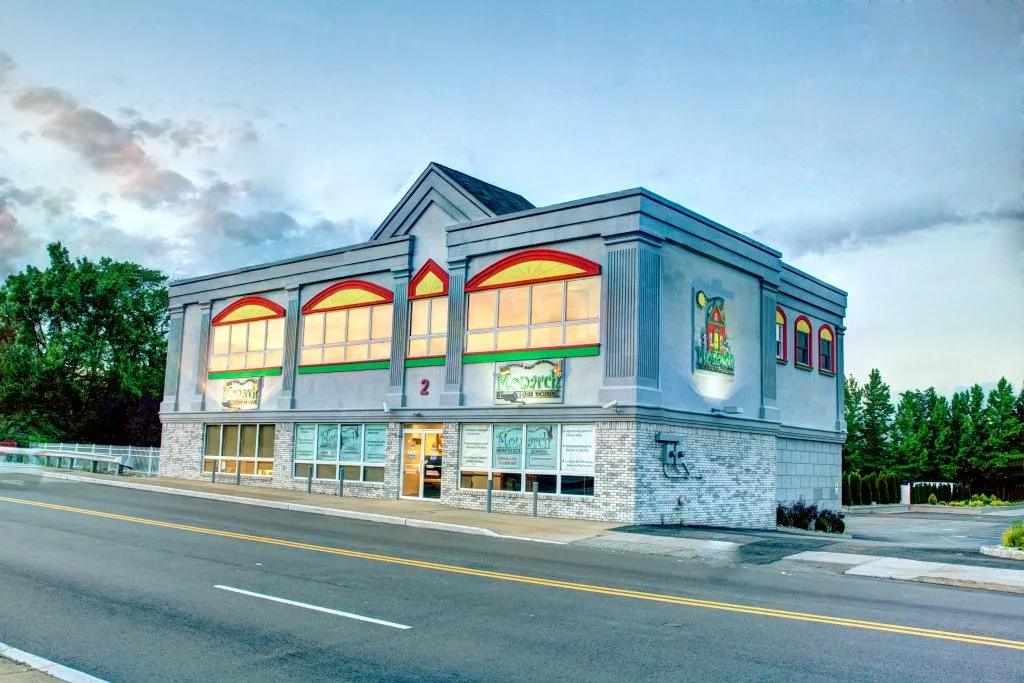




Service page development, internal navigation and Elementor content updates.


A connected set of practical skills across digital experiences, business workflows and the IT infrastructure that supports them.
Grounded in W3BCO services, FAQs, portfolio and supplied feedback. Project commitments are confirmed by the team.